
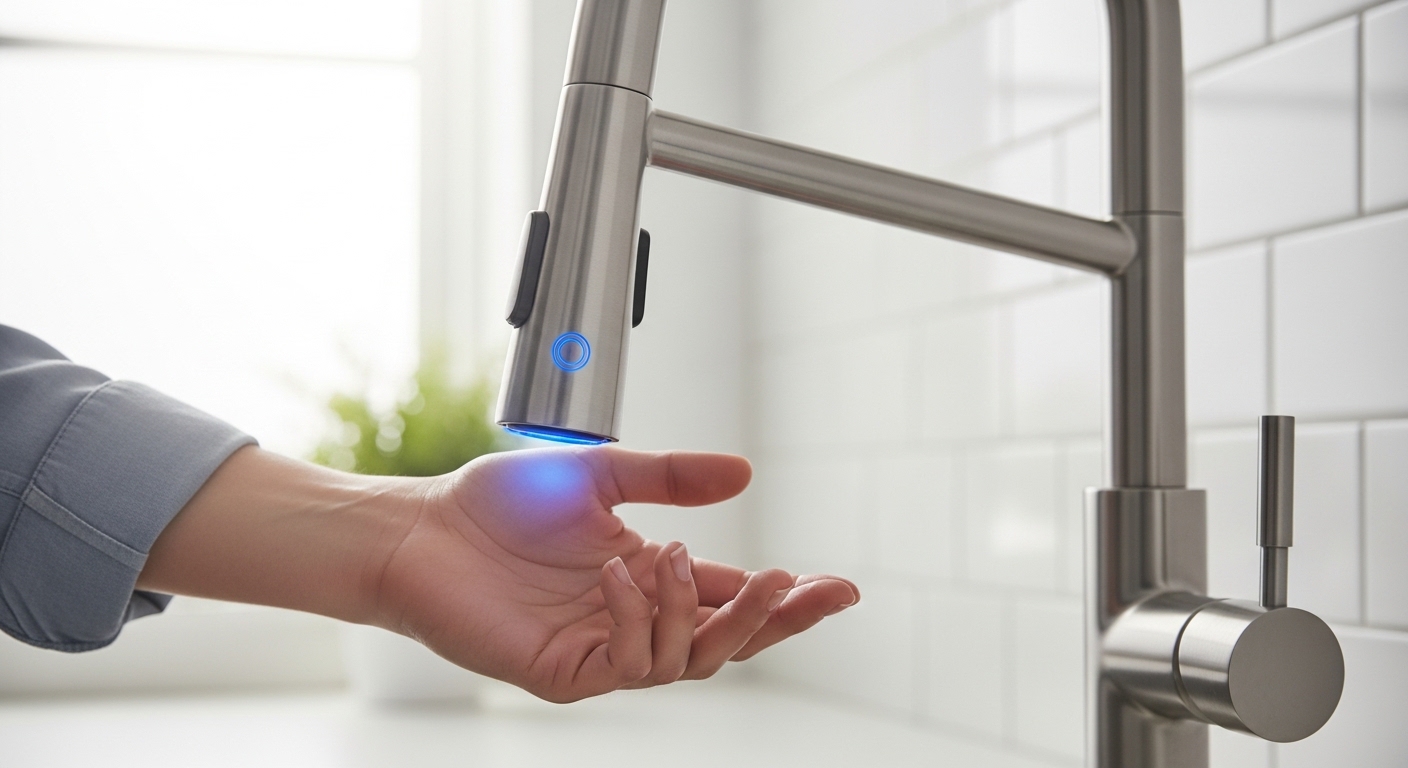
If your touchless faucet light blinking has you worried you just broke a $250 fixture, relax — it’s the faucet’s way of talking to you, not dying. That little LED behind or beside the sensor is a status indicator, and a blink pattern is almost always a low-battery warning. In the vast majority of cases you’ll swap the batteries, the light goes solid or turns off, and the faucet works exactly like it did the day you installed it. This guide walks through every blink pattern, what each one actually means, and the handful of fixes that resolve 95% of cases — no plumber required.
Touchless (also called hands-free or motion-sensor) faucets have exploded in kitchens and bathrooms because they cut water waste, keep raw-chicken hands off the handle, and just feel modern. But the trade-off is that they have electronics, and electronics send signals. Learning to read the light is the difference between a two-minute battery swap and an unnecessary service call.
Why is my touchless faucet light blinking red or blue?
A blinking light means the faucet is reporting a status — most commonly a low battery (a slow, repeating blink) and less often a sensor or valve fault (a fast or double-blink pattern). The color and speed of the blink tell you which. Almost every brand uses the same basic logic: a slow, patient blink is a warning, and a fast, urgent blink is an error.
Here’s the important part most people miss: the light blinking does not mean the faucet has failed. It’s a proactive alert. Manufacturers program the LED to start blinking while there’s still plenty of charge left — often two to four weeks of normal use remain when a low-battery blink first appears. So you have time; you don’t need to panic-buy or shut off the water.
The exact meaning varies a little by manufacturer, but the patterns cluster into a few predictable categories that we’ll break down below. If you still have your installation manual, the blink legend is usually on the last page near the troubleshooting table. If it’s long gone, the table further down covers the most common brands.
What does a slow blink versus a fast blink mean?
A slow blink (roughly one flash every few seconds) is a low-battery warning — the single most common reason a touchless faucet light blinks. A fast blink (several flashes per second) signals an active fault: usually a dirty or obstructed sensor, a loose solenoid connection, or a sensor that’s being falsely triggered by a reflective surface.
Think of it like a smoke detector’s chirp versus its full alarm. The slow chirp is “handle this soon”; the rapid alarm is “something’s wrong right now.” When you know which one you’re looking at, you already know roughly what the fix will be before you touch a tool.
How do I fix a blinking light on a motion sensor faucet?
Start with the batteries — replace them first, because low battery causes the blink about 80% of the time. If new batteries don’t stop the blinking, clean the sensor window, then check the solenoid valve cable connection. These three steps, in that order, resolve almost every blinking-light case on a hands-free faucet.
Here’s the exact sequence to work through:
- Replace the batteries. Find the battery box — it’s usually under the sink, attached to the water supply lines or clipped to the cabinet wall. Most touchless faucets use 4x AA batteries or a sealed 6V lithium pack. Swap in a fresh set (all of them, not just some) and wave your hand. If the blink stops, you’re done.
- Clean the sensor lens. Wipe the small window on the front of the faucet with a soft, damp microfiber cloth. Toothpaste splatter, hard-water film, and grease confuse the infrared sensor and can cause a fault blink or phantom triggering.
- Reseat the solenoid connector. Under the sink, follow the thin sensor wire down to the control box and the solenoid valve. Unplug the connector, check for corrosion or water, and firmly plug it back in until it clicks.
- Power-cycle the faucet. Pull the batteries (or unplug the AC adapter) for 30 seconds, then reconnect. This resets the control board and clears many transient fault codes, just like restarting a router.
- Check for a reflective obstruction. A shiny pot, a chrome soap dispenser, or even a sunbeam hitting the sensor can cause continuous false triggers and an error blink. Move reflective objects out of the sensor’s line of sight.
If you’ve done all five and the light is still blinking, the sensor module or solenoid itself may have failed — that’s the point to contact the manufacturer under warranty (more on that below).
Where is the battery box on a touchless faucet, and how do I change it?
The battery box is under the sink — look for a small rectangular case (usually black or gray) attached to the cabinet wall, the faucet’s supply lines, or the underside of the countertop. To change the batteries, slide or twist the cover off, note the orientation, and replace all cells at once with fresh alkaline or lithium batteries.
A few practical tips that save people a second trip: always replace the full set — mixing an old battery with new ones drags the whole pack down and the blink comes right back within days. Use quality alkaline (or lithium for longer life in cold or damp cabinets). And take a quick phone photo of the battery orientation before you pull the old ones, so you seat the new set the right way around. Reversed batteries won’t damage anything, but the faucet simply won’t wake up until they’re correct.
How long do touchless faucet batteries last before the light blinks?
Most touchless faucet batteries last one to two years of normal household use before the low-battery light starts blinking. Heavy use, cheap batteries, or a cold under-sink cabinet can shorten that to under a year; a lithium pack in a low-traffic bathroom can stretch past two years.
Battery life comes down to three things: how many times a day the sensor activates the valve, the quality of the cells you installed, and temperature. Each activation draws power to open the solenoid, so a busy kitchen faucet used 40+ times a day will naturally cycle through batteries faster than a guest-bathroom faucet used twice a day. Here’s how the common power setups compare:
| Power Source | Typical Lifespan | Low-Battery Warning | Best For |
|---|---|---|---|
| 4x AA Alkaline | 12–18 months | Slow blinking LED | Most standard installs |
| 6V Lithium Pack | 18–30 months | Slow blinking LED | Cold cabinets, heavy use |
| AC Adapter (plug-in) | Continuous | Blink = wiring/sensor fault, not battery | Homes with under-sink outlet |
| AA + AC Hybrid | Battery as backup | Blink signals backup battery low | Reliability-focused buyers |
If your faucet runs on an AC adapter and the light is blinking, don’t assume batteries — a plug-in model that blinks is usually reporting a sensor or solenoid fault, or the adapter has come unplugged from the under-sink outlet. Check the outlet first (they’re often on a switch or a GFCI that’s tripped).
Should I switch to lithium batteries or an AC adapter to stop the blinking?
If you’re tired of changing batteries, yes — a 6V lithium pack or a plug-in AC adapter will dramatically cut how often you see that blink. Lithium cells hold voltage better in cold, damp under-sink cabinets, and an AC adapter removes battery worries entirely, as long as you have an outlet under the sink.
Most quality touchless faucets, including models from avovida, are designed to accept either batteries or an optional AC adapter, so you’re rarely locked in. If your cabinet has a free outlet, the adapter is the “set it and forget it” answer. If not, lithium is the easy upgrade — same battery box, longer runtime, better cold-weather performance.
Is a blinking touchless faucet dangerous or a sign it’s broken?
No — a blinking light is a status alert, not a safety hazard, and it almost never means the faucet is broken. The electronics run on low-voltage DC (6 volts), the water supply is completely separate from the circuitry, and the worst realistic outcome of ignoring the blink is that the faucet eventually stops responding to your hand until you change the batteries.
There’s no shock risk and no flood risk from a blinking sensor light. If the batteries die completely, most touchless faucets have a manual handle or lever that still works mechanically, so you’re never fully stranded without water. The solenoid valve defaults to closed when it loses power, meaning a dead battery leaves the faucet off, not stuck running — an important safety-by-design feature worth knowing about.
The only time a blink points to a real defect is when fresh batteries, a clean sensor, and a reseated solenoid connector all fail to stop it. At that point you’re likely looking at a failed sensor module or solenoid, which is exactly what a manufacturer warranty covers.
How does a touchless faucet actually sense your hand?
A touchless faucet uses an infrared (IR) sensor that sends out an invisible beam and watches for it to reflect off your hand; when it detects that reflection within a set range, the control board opens a solenoid valve and water flows. Remove your hand, the reflection disappears, and the valve closes. The blinking LED shares that same sensor window, which is why keeping the lens clean matters so much.
Understanding this makes the fixes obvious. The IR sensor can’t tell a hand from a shiny pot or a hard-water smudge — anything that bounces the beam back can trigger it or confuse it. That’s why cleaning the lens and clearing reflective clutter solves so many “phantom” blinking and false-activation problems. The solenoid valve is the electronic gatekeeper on your water line; when its connector loosens, the sensor “sees” your hand but nothing happens, and many faucets blink to flag that mismatch.
This same sensor-and-solenoid architecture is what separates a good touchless faucet from a frustrating one. Quality build matters here as much as it does with any fixture finish — the reasoning is similar to why buyers weigh solid brass against cheaper alloys in our guide on whether a zinc bathroom faucet is worth buying versus spending more on brass, and why finish and internal-cartridge quality dominate the picks in our roundup of the kitchen faucets buyers actually trust. A cheap sensor faucet blinks and fails; a well-built one just quietly works for years.
Why does my touchless faucet turn on by itself or keep blinking after new batteries?
If your faucet runs on its own or keeps blinking even with fresh batteries, the sensor is being falsely triggered — usually by a dirty lens, a reflective object in front of the sensor, or direct sunlight hitting the window. Clean the lens and remove any shiny items near the spout, and the phantom activation and error blink typically stop immediately.
This is the number-one “my new batteries didn’t fix it” scenario. People swap batteries, see the blink return, and assume the faucet is defective — when really a chrome soap pump or a stray sunbeam is bouncing the IR beam back into the sensor all day. Sensitivity on some models is also adjustable via a small dial or dip-switch on the control box; turning it down slightly can stop over-triggering in a bright, reflective kitchen.
Which touchless faucet brands blink differently?
Most major brands use the same slow-blink-equals-low-battery logic, but the exact patterns and colors differ. Below is a quick reference for the blink meanings you’re most likely to encounter, so you can decode your specific faucet without hunting for the manual.
- Slow single blink (any color): Low battery — replace the cells. This is the near-universal standard.
- Fast/rapid blink: Sensor fault or obstruction — clean the lens, clear reflective objects, power-cycle.
- Double blink on repeat: On some models, a solenoid or valve communication error — reseat the under-sink connector.
- Solid light on activation: Normal — the LED lights to confirm the sensor saw your hand.
- No light at all: Dead battery, disconnected pack, or reversed cells — check the battery box first.
When in doubt, the safe universal sequence is always the same: batteries first, sensor lens second, solenoid connector third. That order works across virtually every hands-free faucet on the market regardless of the badge on the spout. If you’re troubleshooting other faucet issues while you’re already under the sink — a drip, a loose supply line — our walkthroughs on fixing a leaking tap valve yourself in under an hour and fixing a leaky two-handle faucet without a plumber cover the mechanical side of the same fixtures.
FAQ
Why is my touchless faucet light blinking but the water still works?
That’s the low-battery warning doing exactly its job — it starts blinking while there’s still charge left so you get advance notice. Water keeps flowing normally for another two to four weeks in most cases, but replace the batteries soon so you’re not caught with a non-responsive faucet mid-cook.
Can I stop my touchless faucet from blinking without changing batteries?
Only if the blink isn’t battery-related. If it’s a fast fault blink, cleaning the sensor lens, clearing reflective objects, and power-cycling the faucet can stop it. But if it’s the slow low-battery blink, there’s no shortcut — the batteries genuinely need replacing.
What kind of batteries does a touchless faucet use?
Most use 4x AA batteries or a sealed 6V lithium pack, housed in a control box under the sink. Always replace the full set at once with quality alkaline or lithium cells; mixing old and new batteries brings the blinking back within days.
How long can I ignore a blinking touchless faucet light?
Typically two to four weeks of normal use once the low-battery blink appears, though it varies by model and how heavily you use the faucet. There’s no danger in waiting — the worst outcome is the faucet stops responding until you swap batteries, and most models have a manual handle as backup.
My touchless faucet still blinks after new batteries — what now?
Clean the sensor lens with a damp microfiber cloth, remove any shiny or reflective objects near the spout, and reseat the solenoid valve connector under the sink. If it still blinks after a 30-second power-cycle, the sensor or solenoid module may have failed — contact the manufacturer under warranty.
Do plug-in touchless faucets ever blink?
Yes, but for a different reason. A plug-in (AC adapter) faucet that blinks is usually reporting a sensor or solenoid fault, or the adapter has come unplugged — check the under-sink outlet, which is often on a wall switch or a GFCI that may have tripped.
The Bottom Line
A blinking light on a touchless faucet is a feature, not a failure. Nine times out of ten it’s the low-battery warning, and a fresh set of AA or lithium cells resolves it in under five minutes. When batteries don’t do it, a quick lens clean and a reseated solenoid connector cover almost everything else. Save the warranty call for the rare case where all three steps come up empty.
Author note: This guide was written by the avovida fixtures team, drawing on hands-on installation and troubleshooting of dozens of motion-sensor kitchen and bathroom faucets across battery, lithium, and AC-powered configurations. We test the sensor range, solenoid response, and low-battery warning behavior on the touchless models we stock before recommending them.
About avovida: avovida is a dedicated faucet and bathroom-fixtures brand focused on kitchen faucets, shower heads, tub fillers, and sensor-driven hardware built to last. Our touchless faucets use sealed solenoid valves and infrared sensor modules tested against standard low-voltage electrical safety and lead-free water-contact standards (such as NSF/ANSI 61 and 372), and are backed by a manufacturer warranty covering the sensor and valve electronics — the exact components most likely to cause a persistent blinking light.